By statusWho’s in. Who’s out. Who’s injured.
 TeamCaptain
TeamCaptain Appointments
Acceptances, declines, meeting points, rides, tasks, reminders and stats – so everyone knows what’s next.

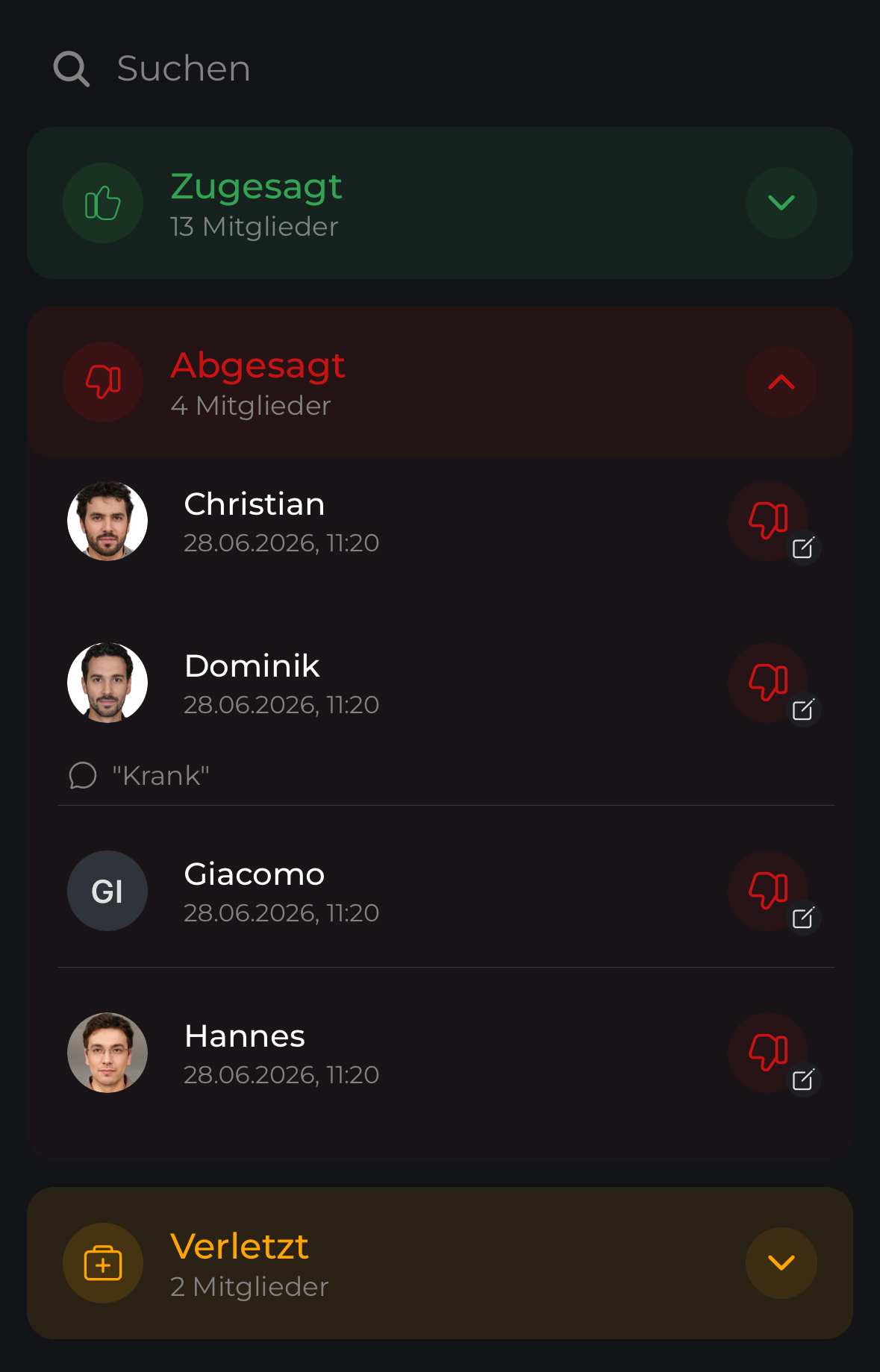
Your squad at a glance
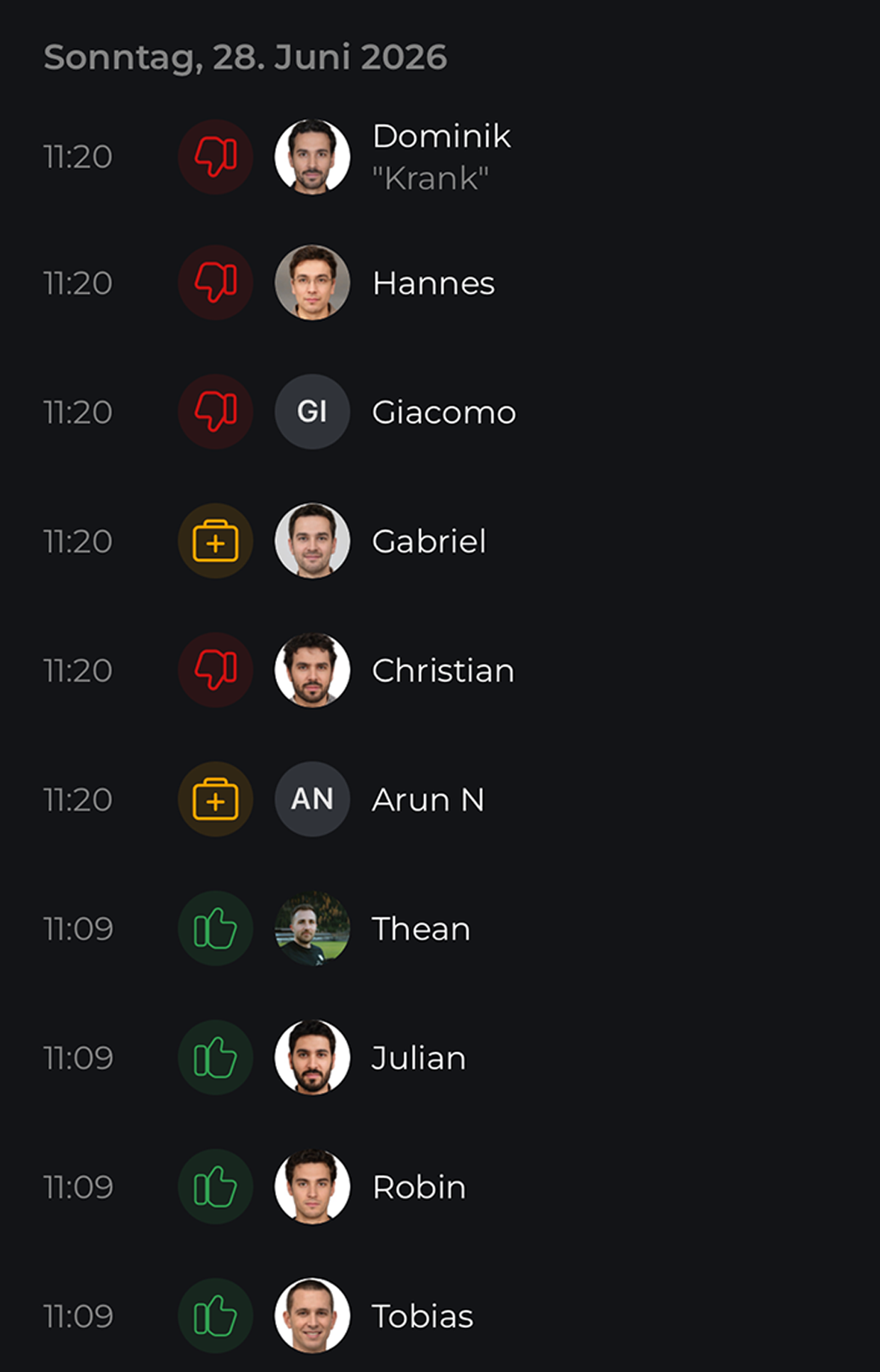
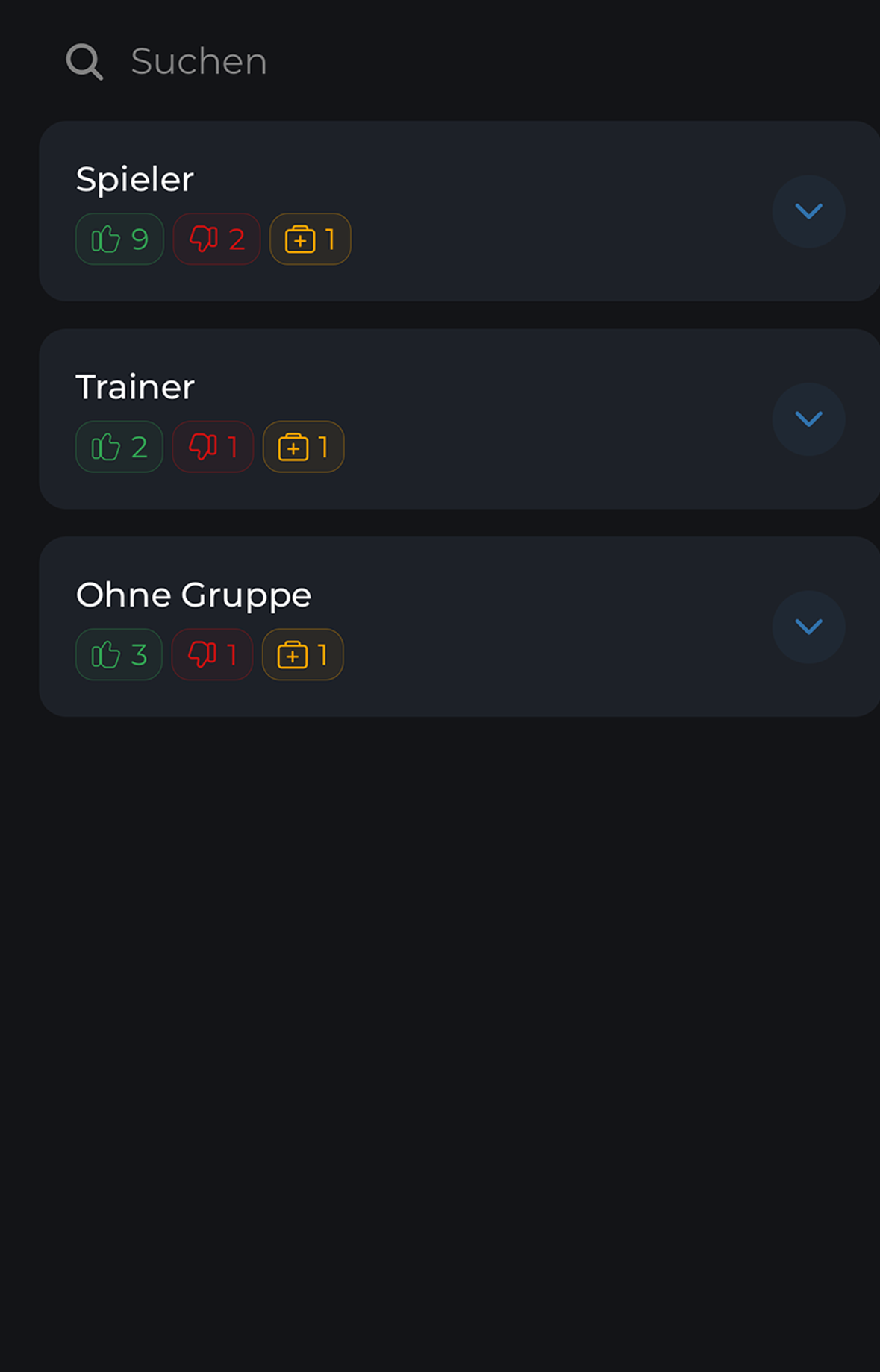
By status, as a list, chronologically or by group – you decide how to keep an eye on your squad.

Everything works together
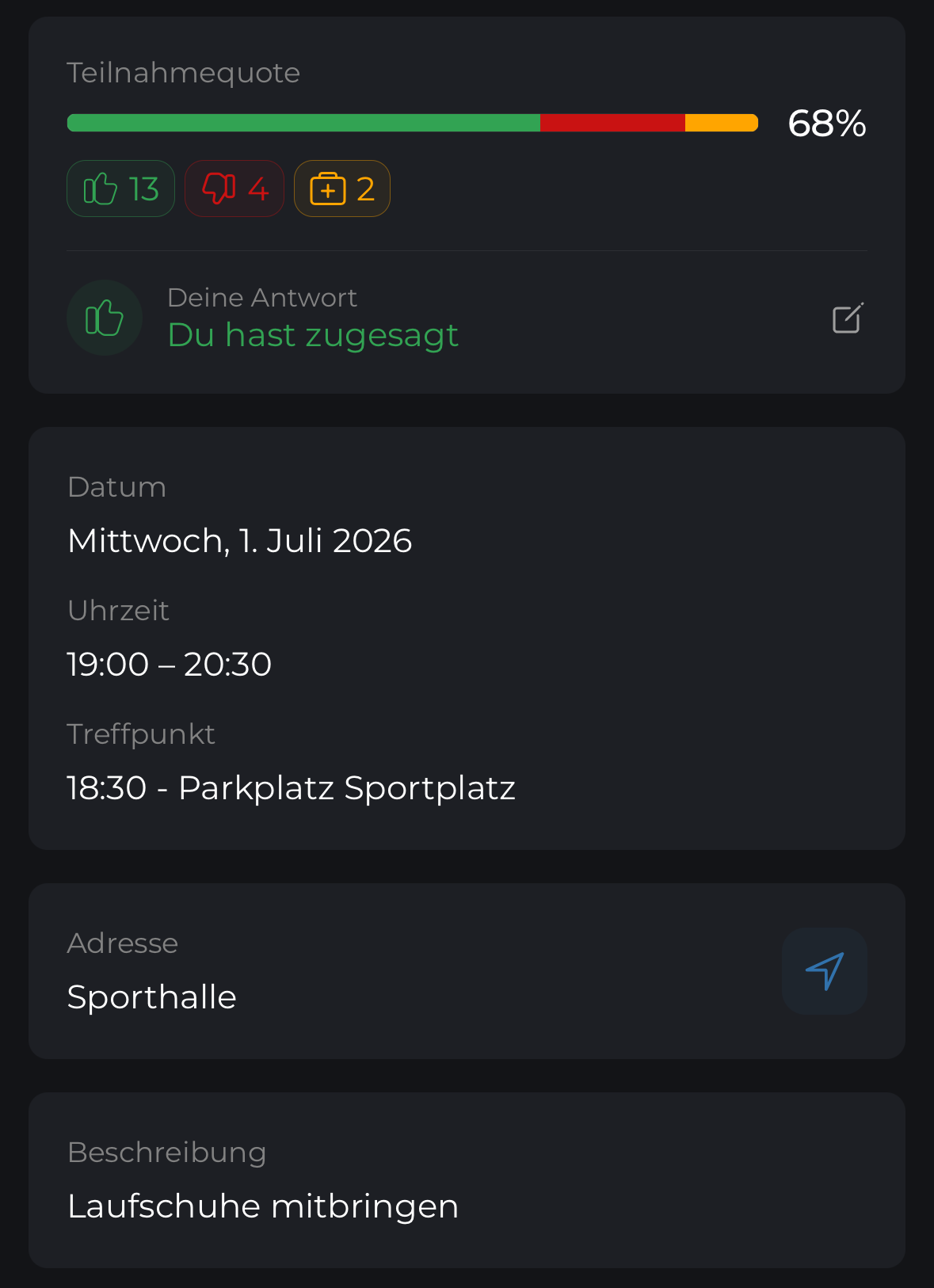
Meeting point, address, participants, files and every important detail right inside the appointment.
Acceptances, declines, time and meeting point – no searching.
So the team never has to search the chat.
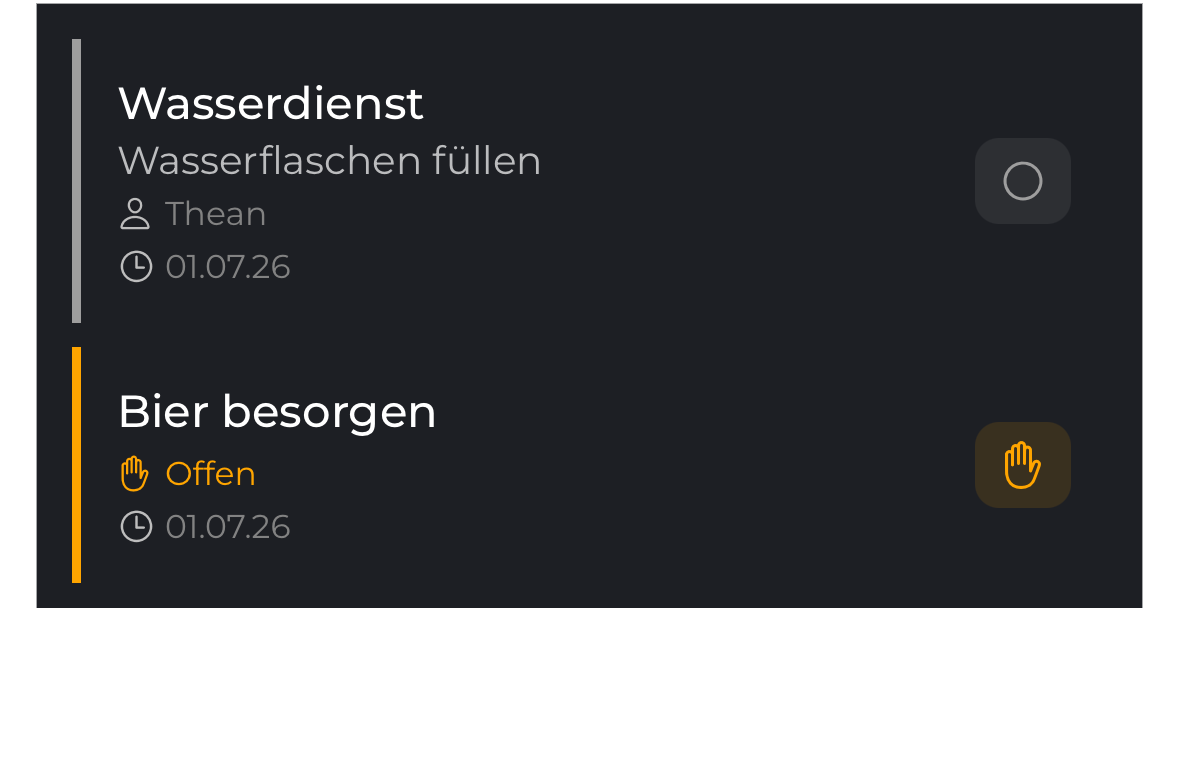
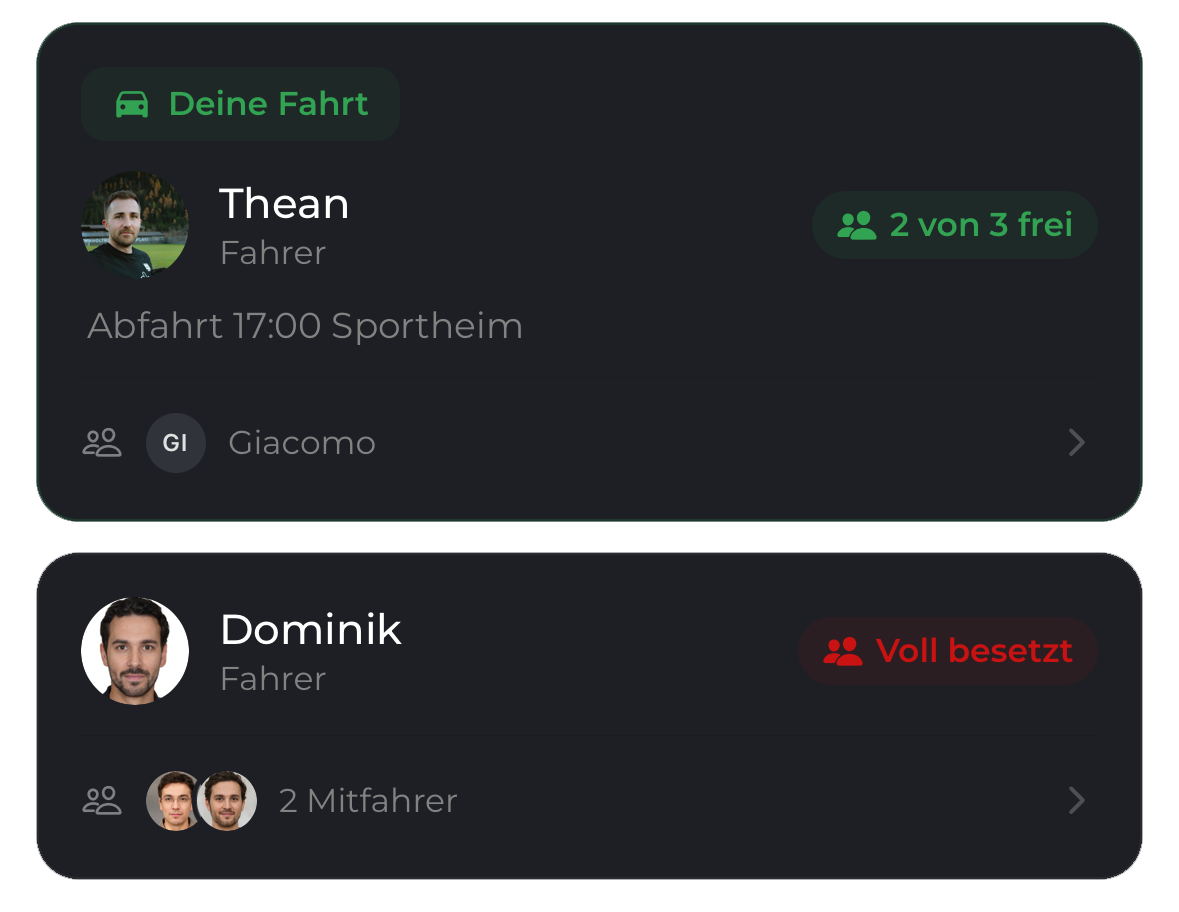
Drivers, free seats and passengers are organized directly inside the appointment.
Right for every appointment
Participation, reminders and rules can be tailored to every training, match or event.
That’s why every appointment can work differently.
Members accept or decline themselves.
Everyone counts as attending. Only managers record absences.
Announcement without participation status.
The whole squad, selected groups or individual members.
Automatically before the appointment or manually at any time – optionally only to members who haven’t responded.
Automatically follows up on missing acceptances and declines.
Reminds members about the meeting point and start time.
Send one immediately to everyone or selected members.
Voting rules, declines and visibility can be tailored to every appointment.
Set it relative to the appointment or choose a fixed date.
The appointment counts as accepted until a member actively declines.
Members must provide a reason for their decline.
Only team captains and appointment managers can see the decline reason. Each member always sees their own.
NEW Available now
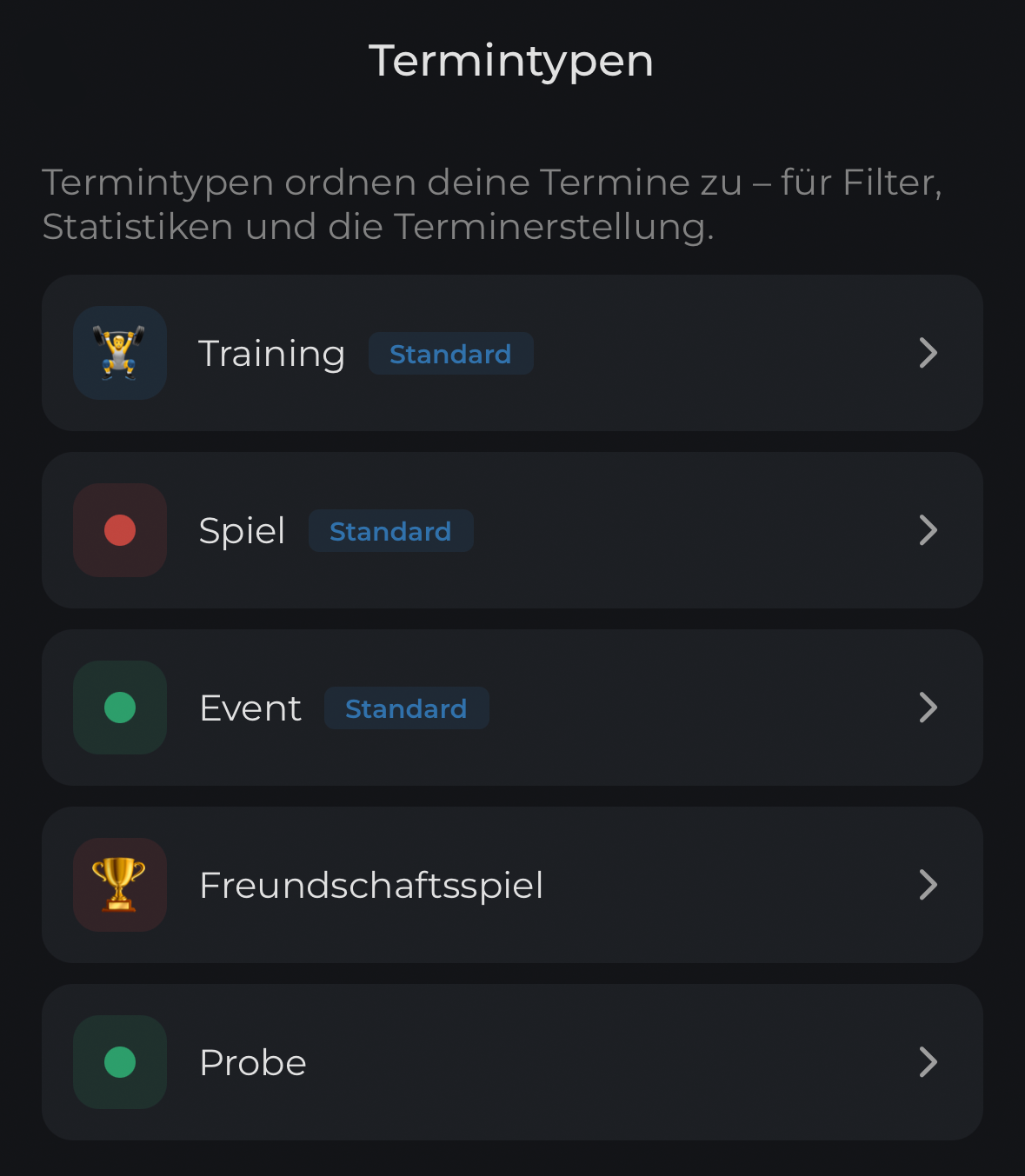
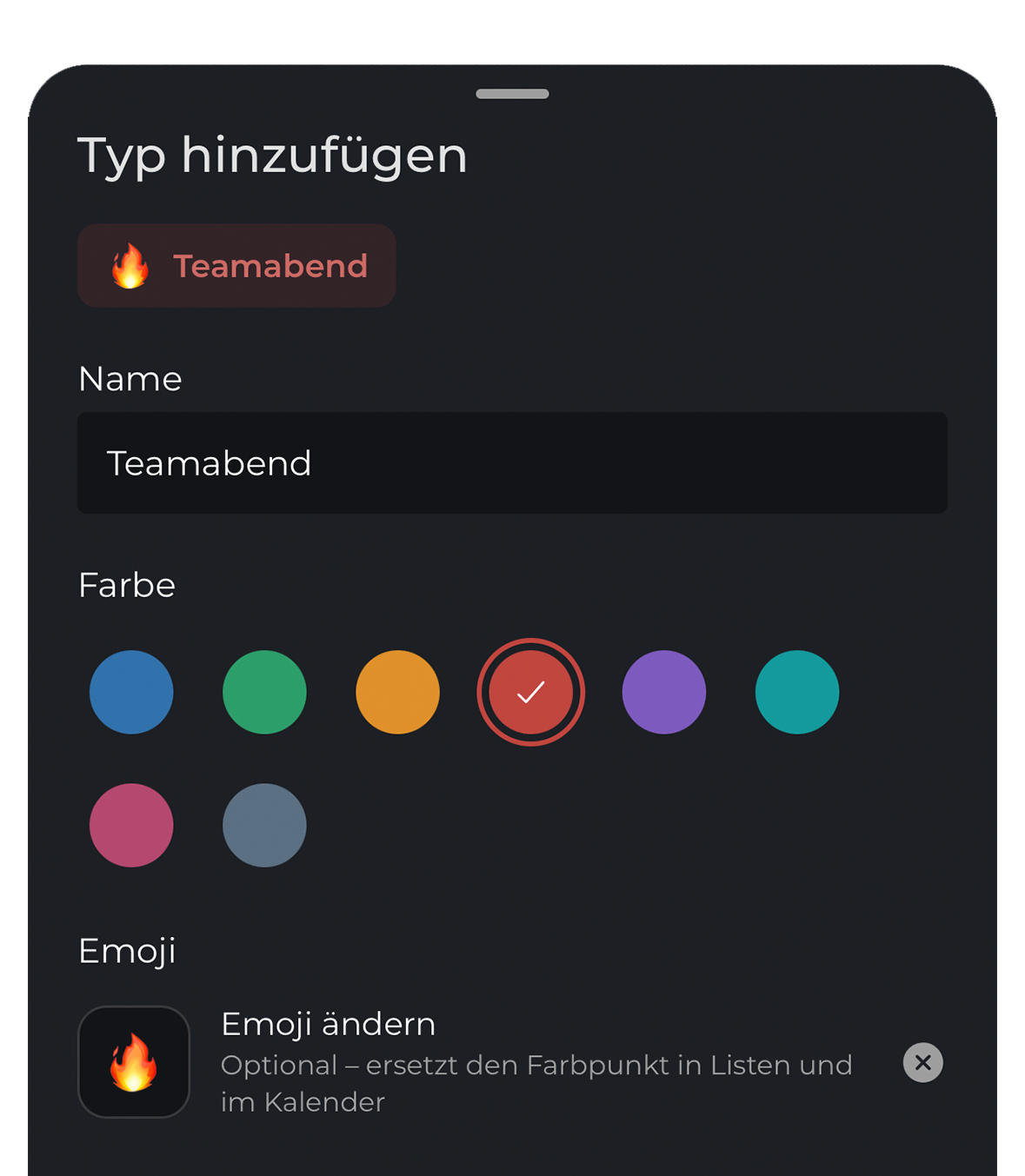
Custom appointment types
Appointment types organize your appointments for filters, stats and creation. Color and an optional emoji make each one instantly recognizable.
Absences
Saved absences are automatically taken into account for appointments.
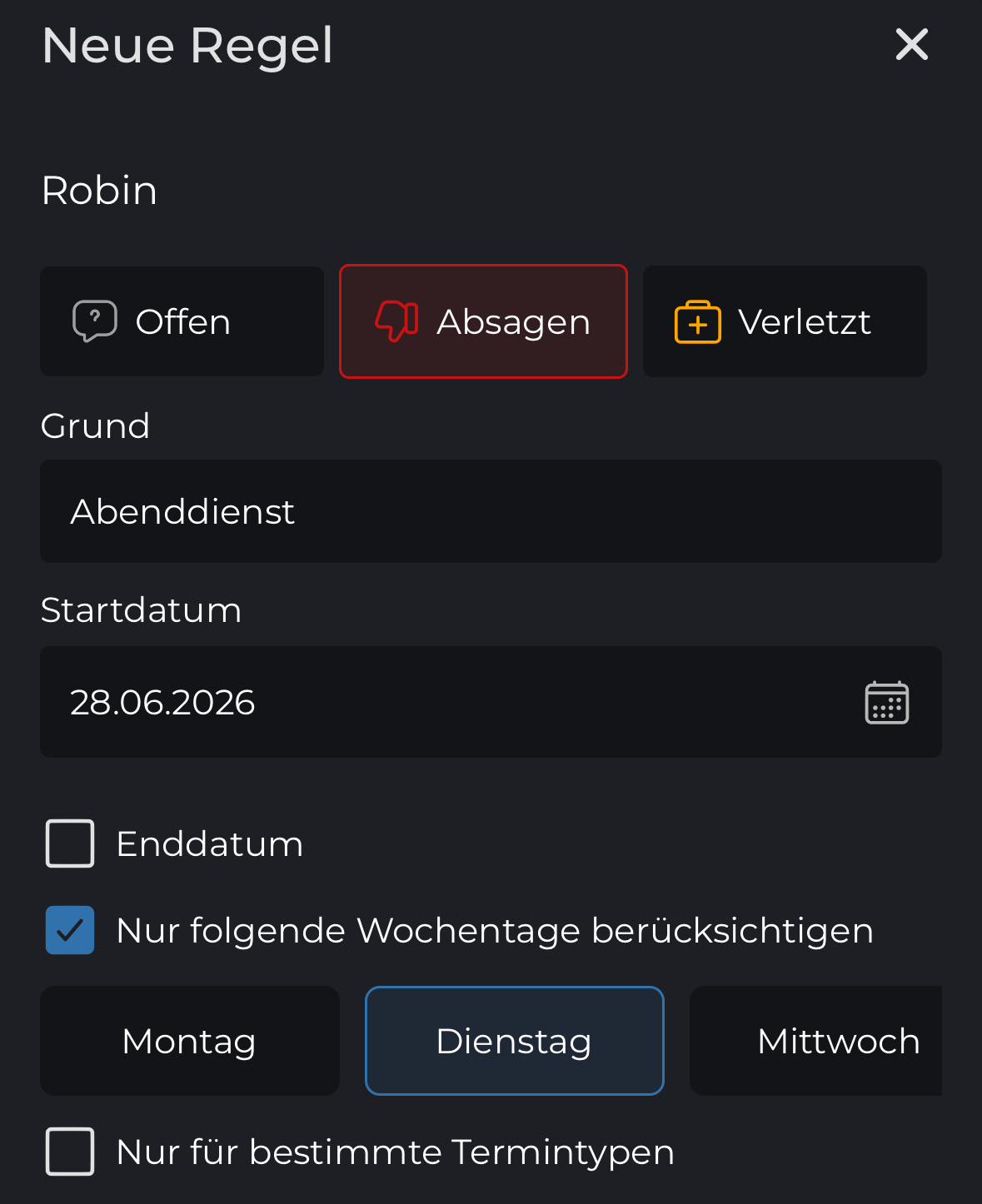
Enter a date range or fixed weekdays – done.
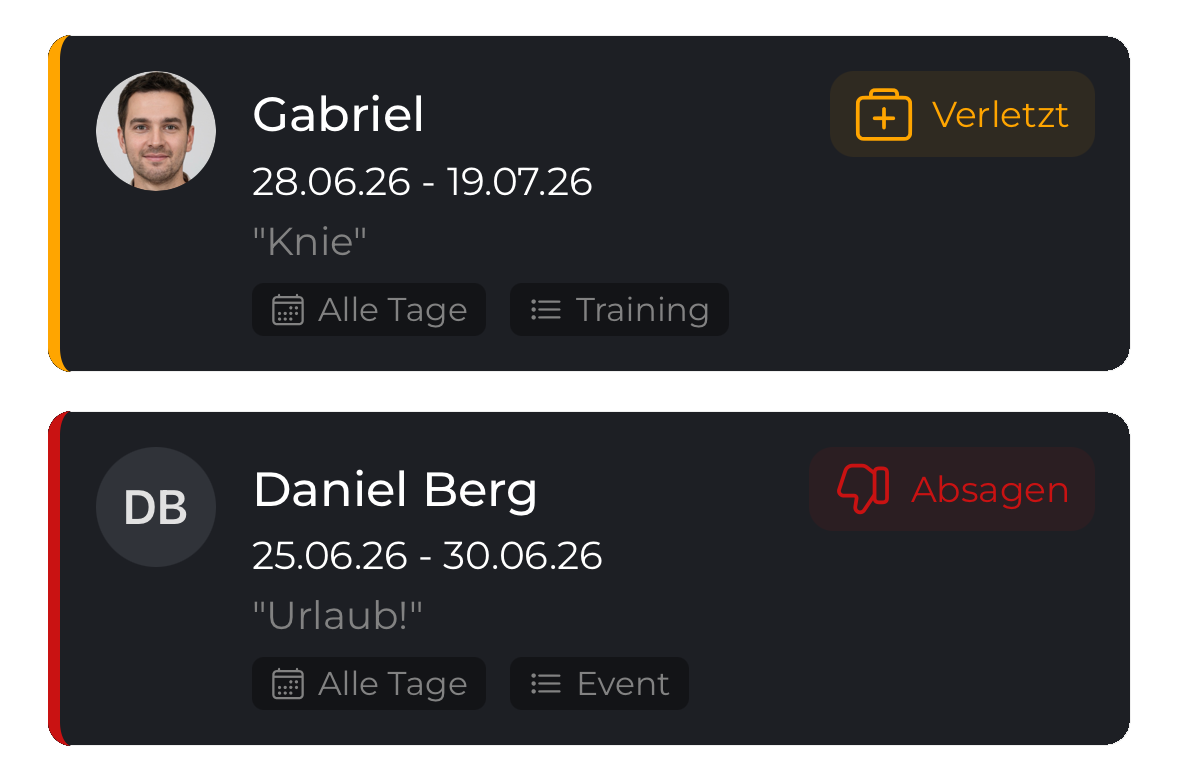
Recurring commitments are automatically considered for every matching appointment.
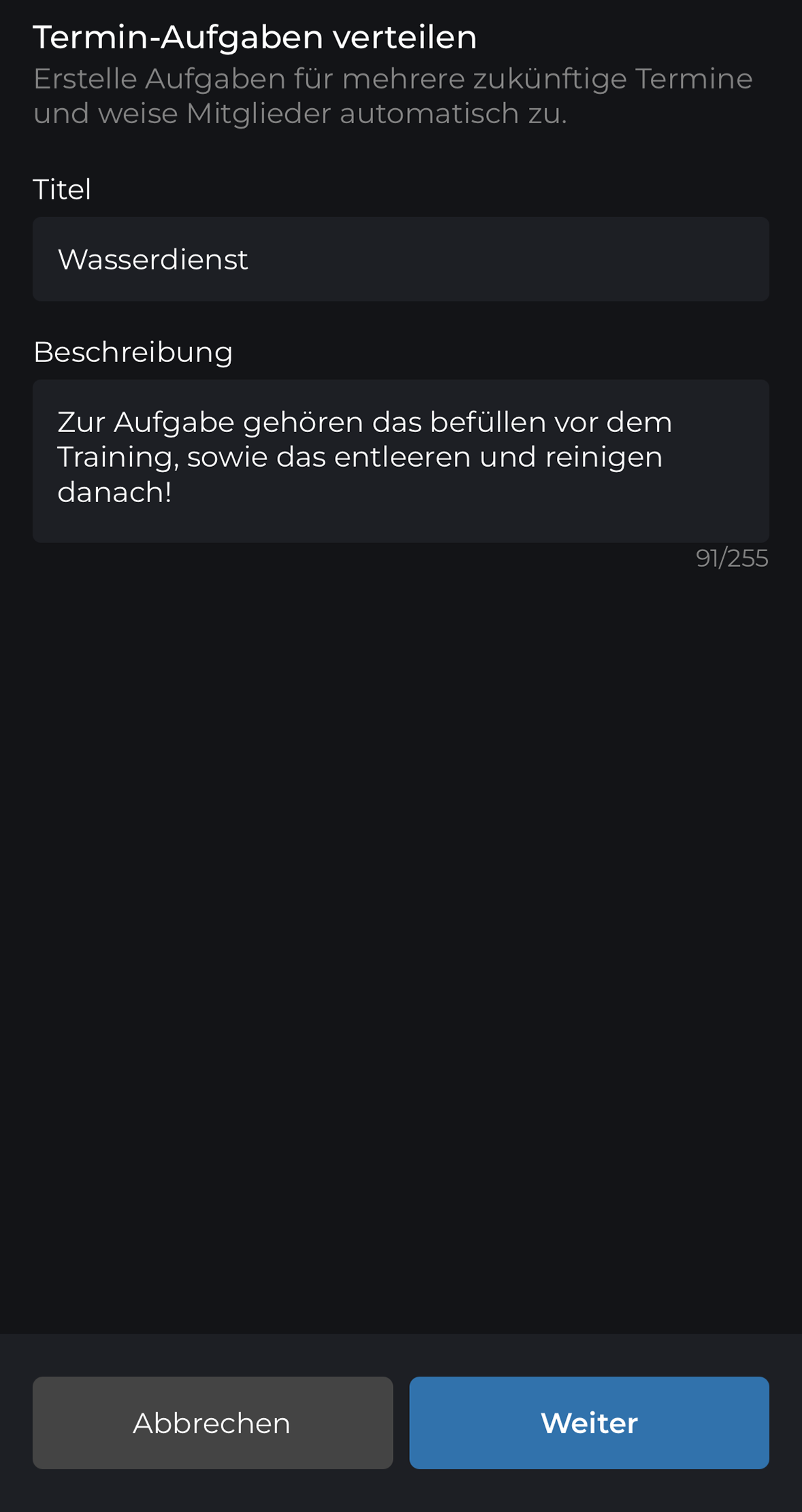
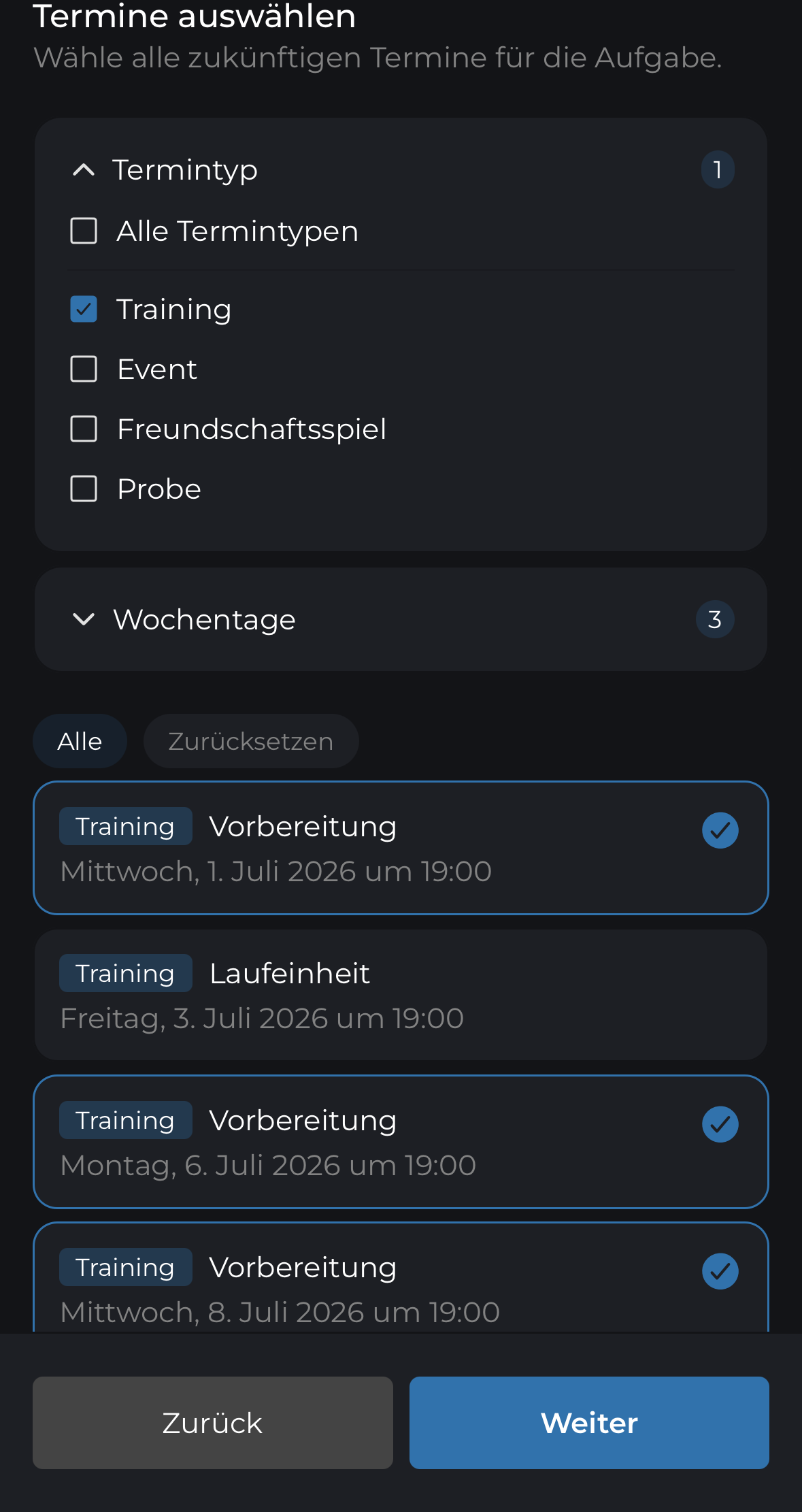
Task planner
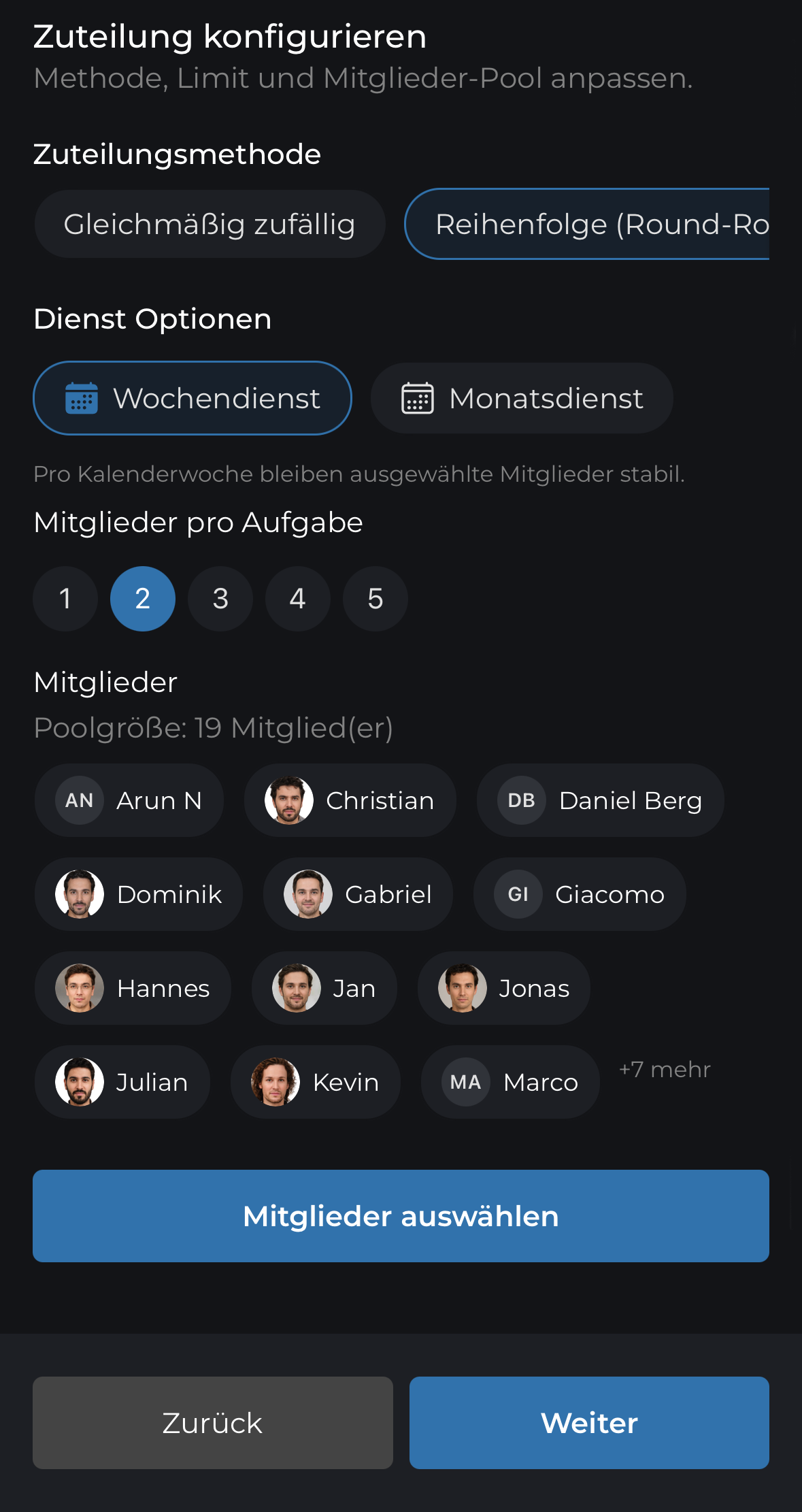
Define tasks once and rotate them automatically across the squad.
Analyze attendance
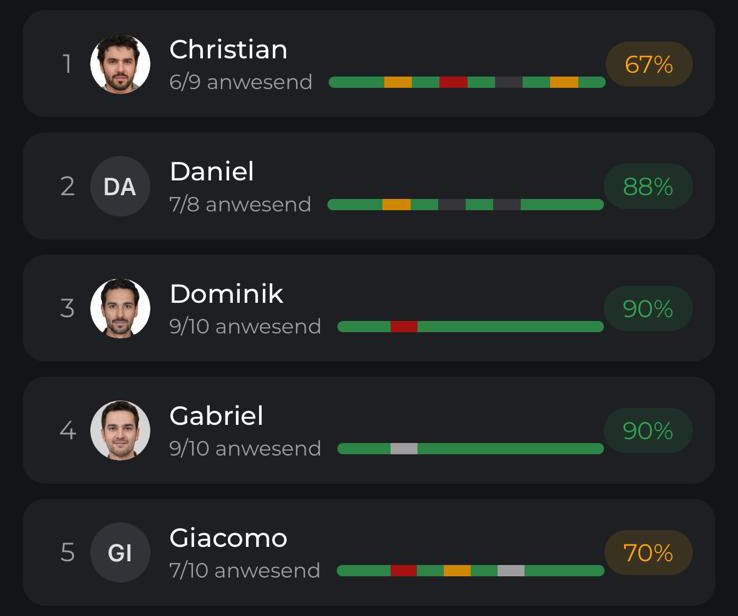
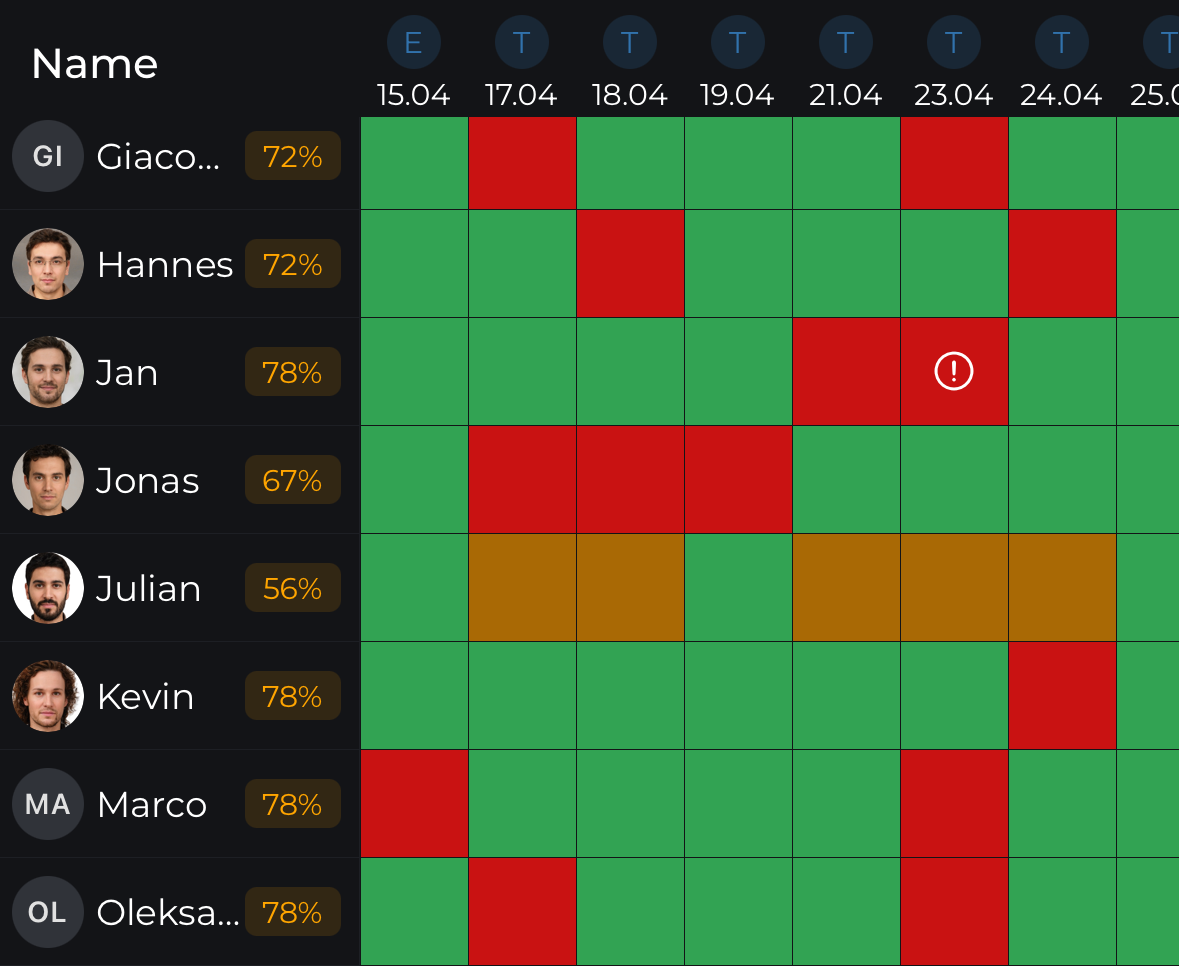
Analyze attendance across the whole season – for the team and every individual member.

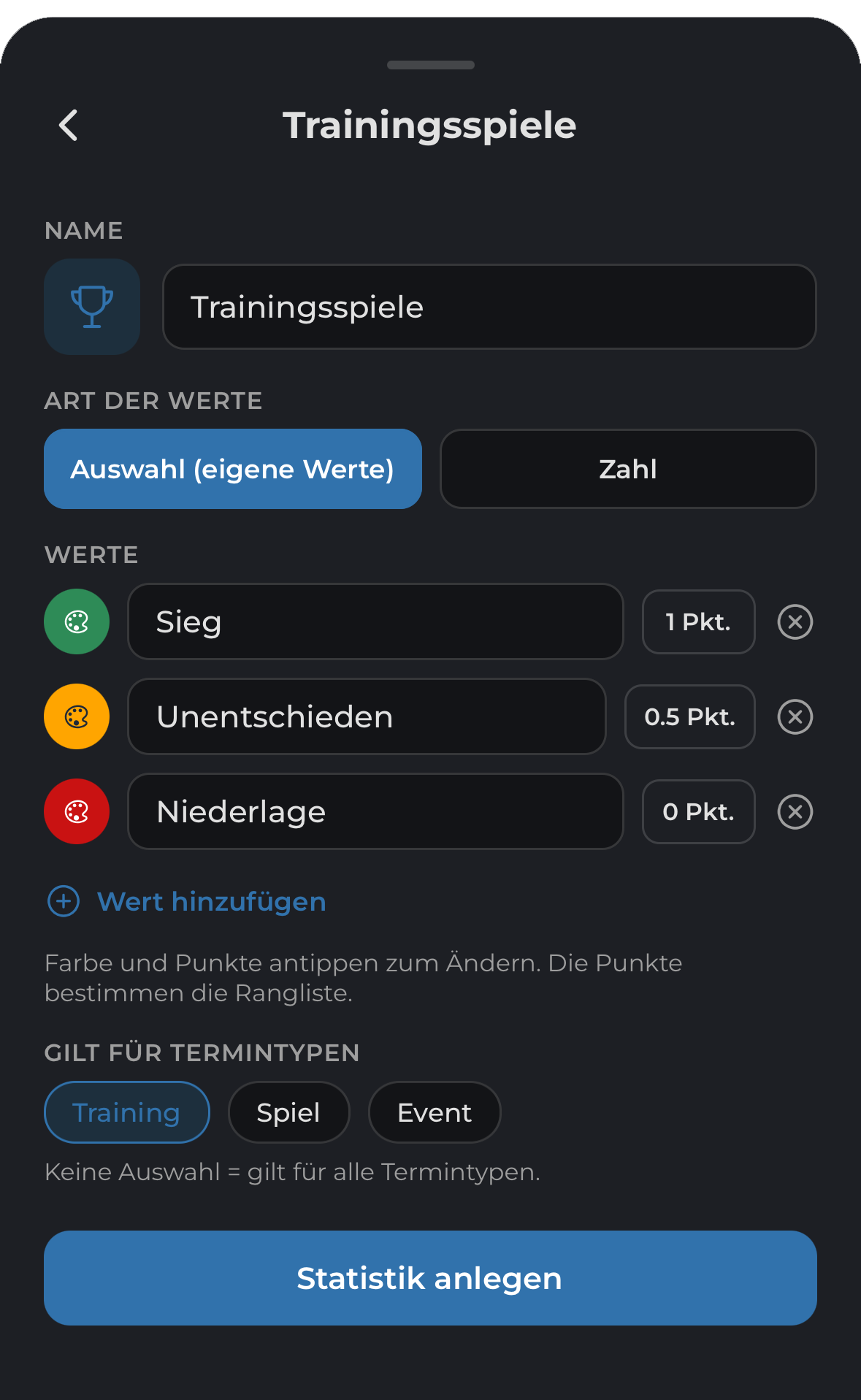
Custom team stats
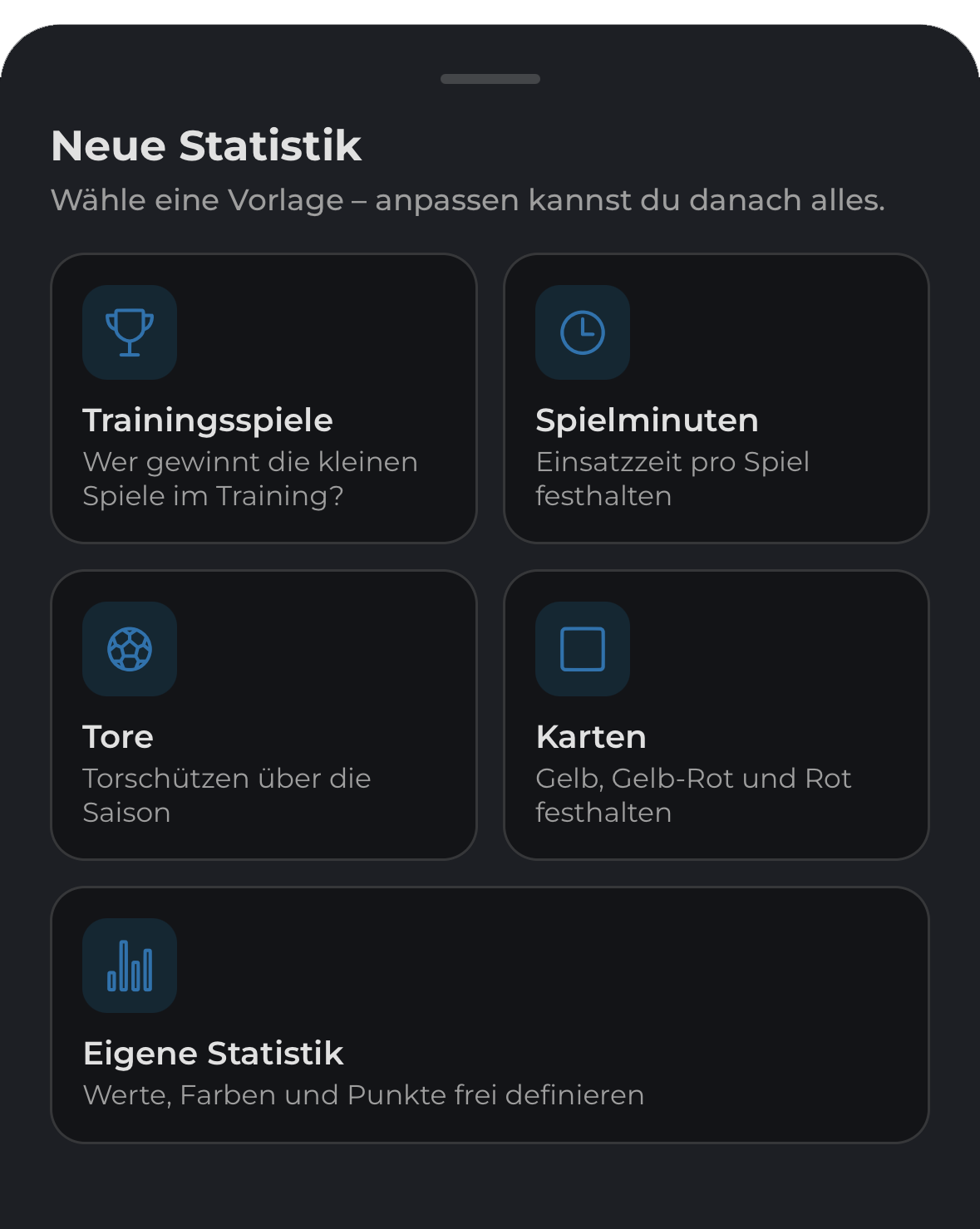
Goals, cards, minutes played, training wins or your own custom values.
In three steps
Create a stat, record values directly at the appointment and analyze them automatically.

Season comparison
Compare results by appointment and create rankings automatically.


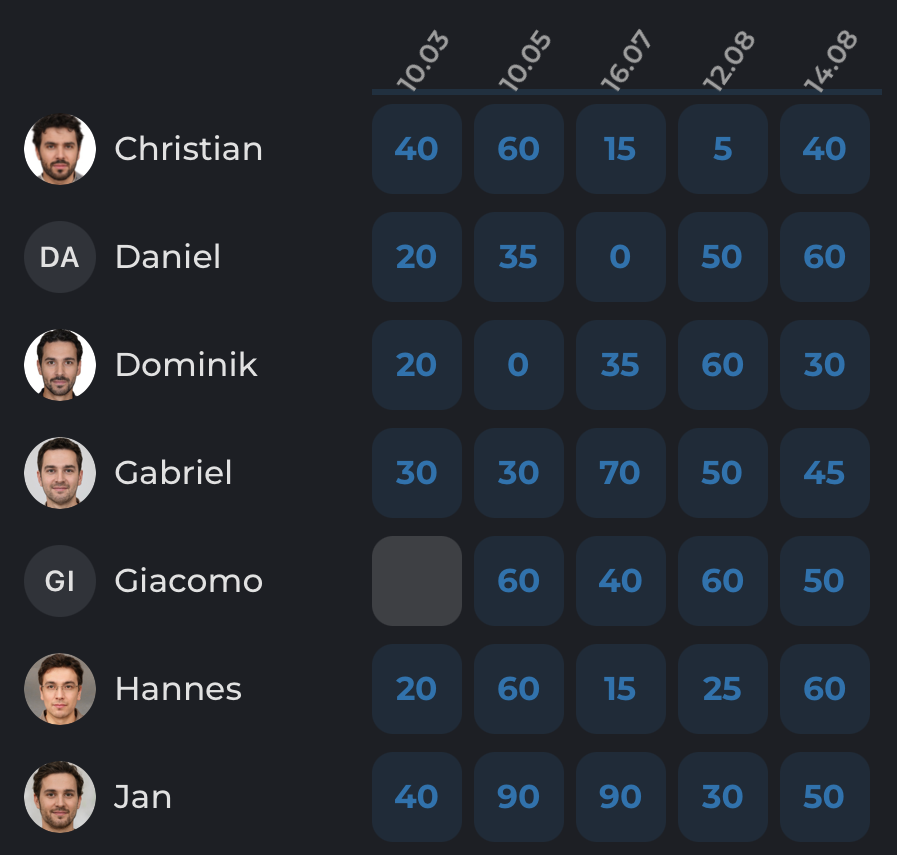
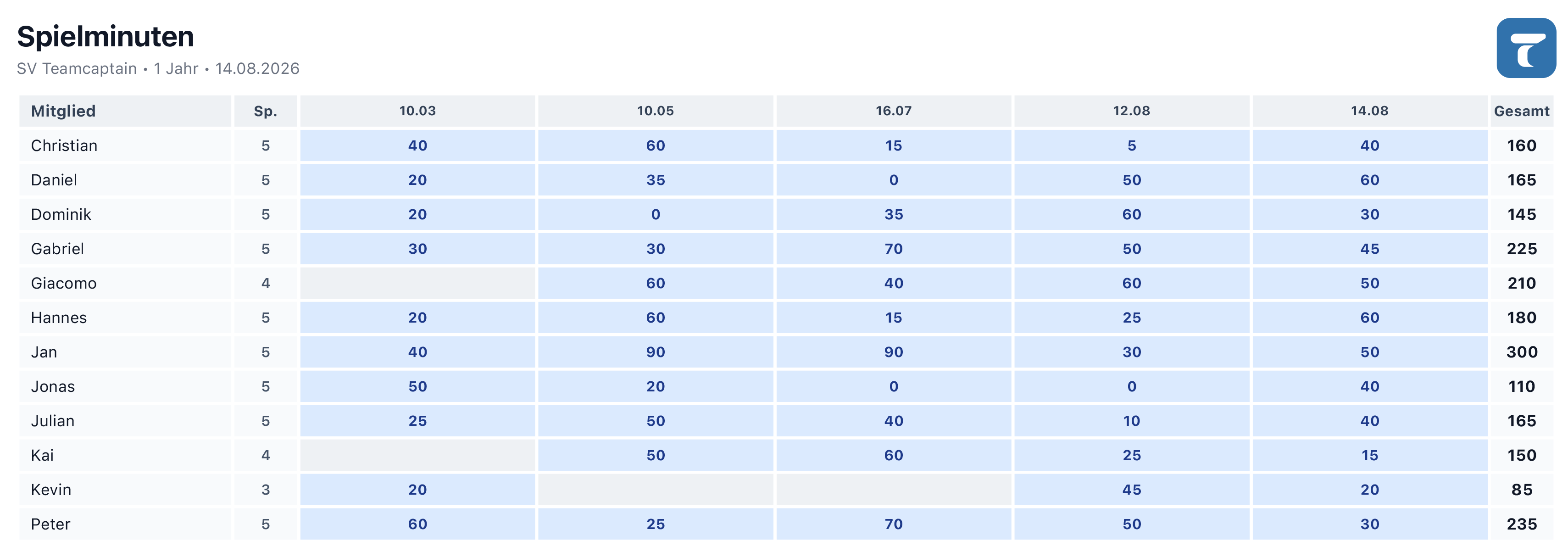
Minutes played example
Compare minutes played, inspect individual members and export the report as a PDF.
NEW Available now
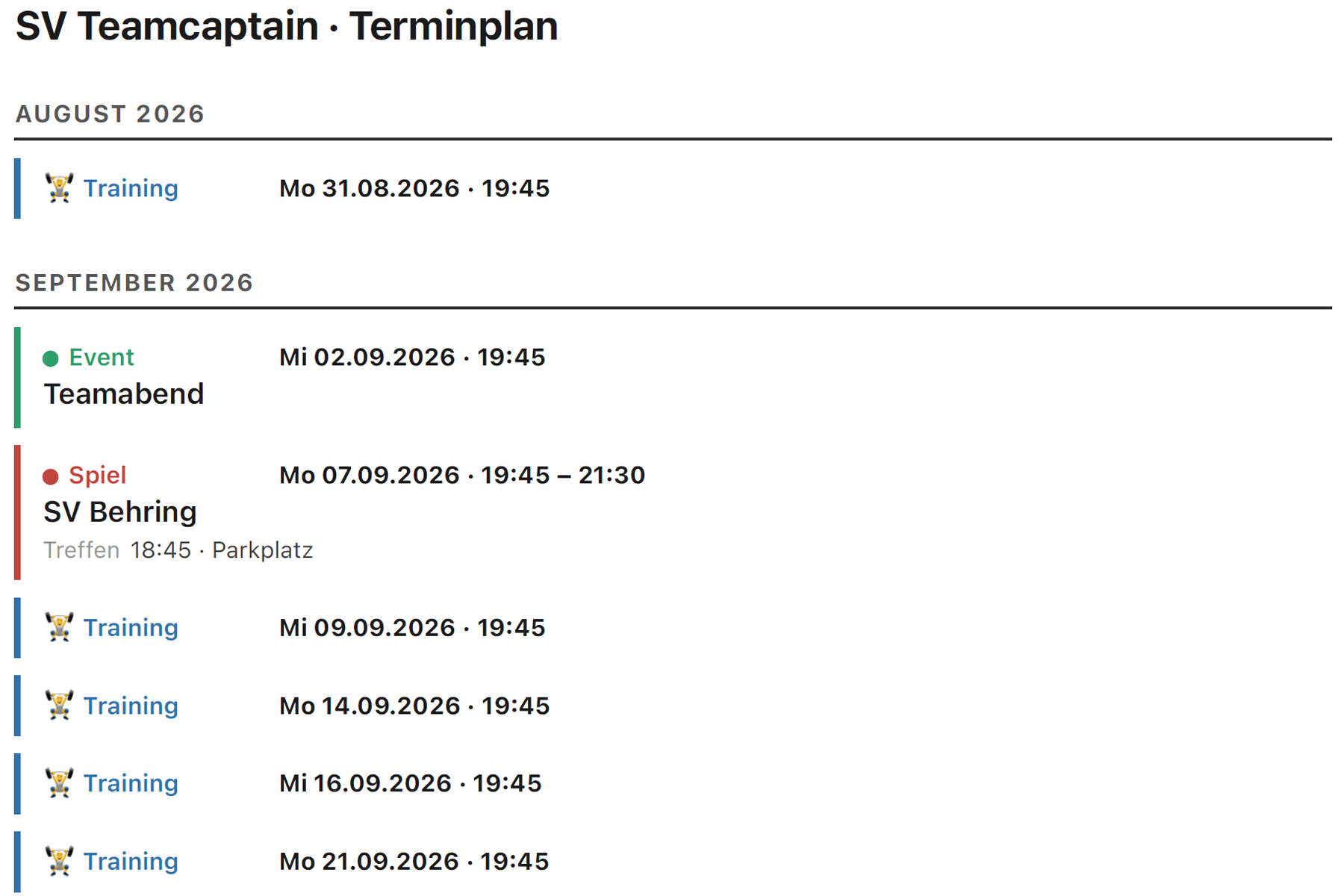
Appointment PDF
Export appointments directly as a PDF – ready to share, print or archive.

TeamCaptain Appointments
Everything organized. Everyone informed. Ready for the next appointment.
Take another look ↑Everything connects. Find what works for your team.


 Decline reason visible to managers only